







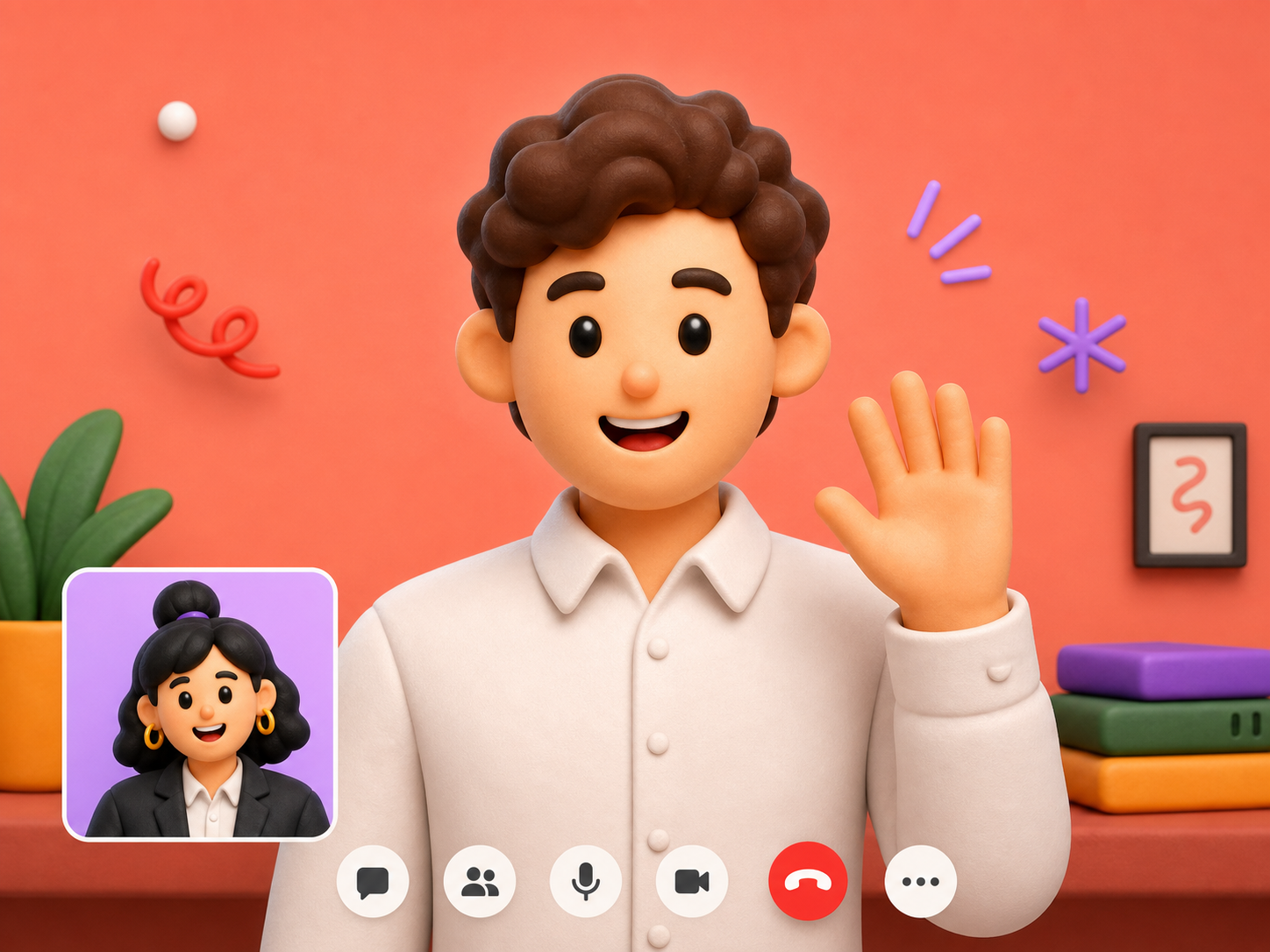
What they see
Just you — calm, focused, fully present.
Your invisible AI copilot for interviews. Real-time answers. Total privacy.
— the magic —
Join your interview meetings. Get real-time AI help. Nobody will ever know.
Just you — calm, focused, fully present.
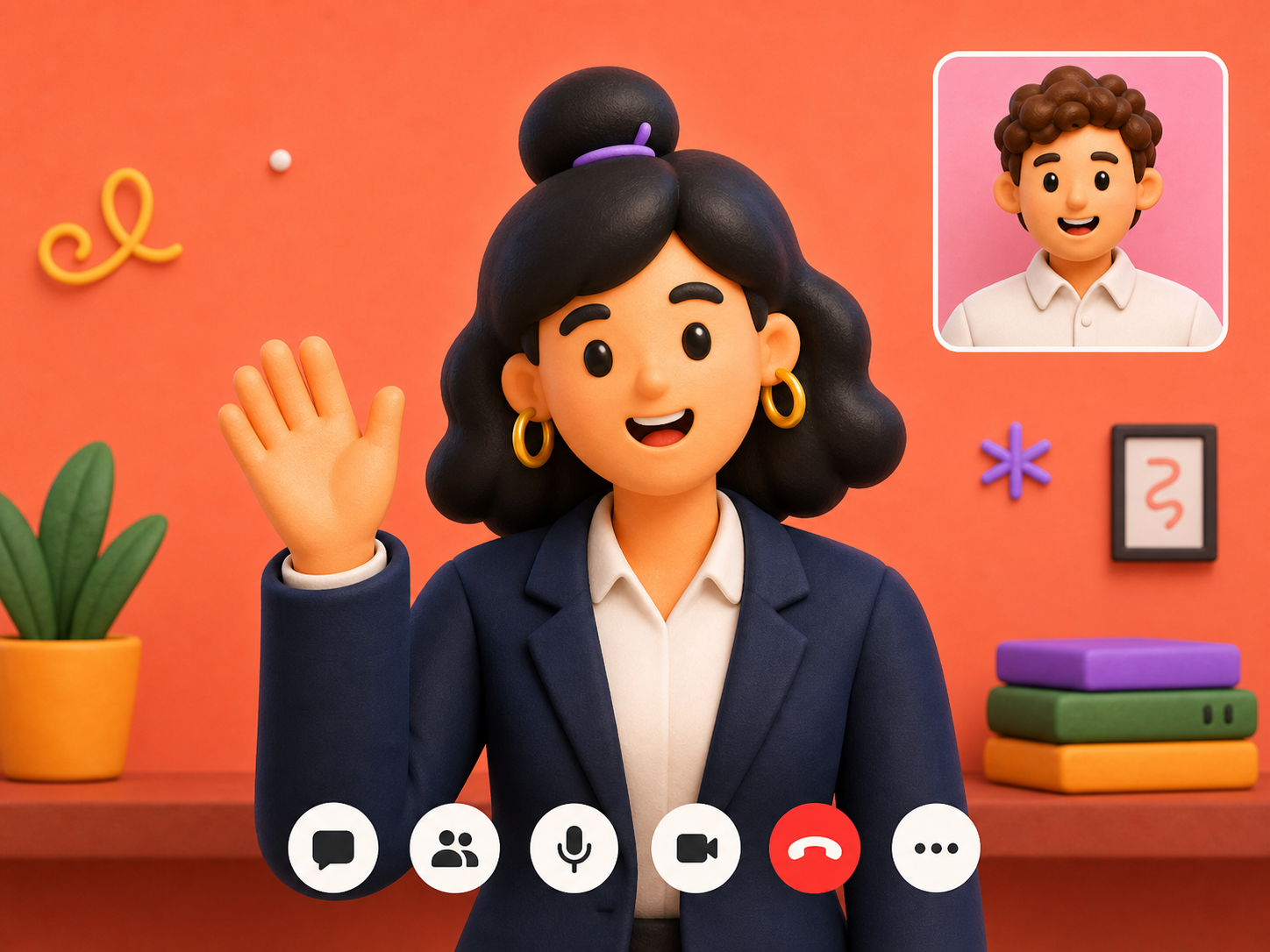
Interviewer + real-time personalized AI answers.
 Secret Santa
00:00
Secret Santa
00:00
Let’s get started.
Ask with Real time live Audio
Secret Santa listens, understands and responds with relevant answers in real time.
Ask with Image
Analyze what's on your screen, understand the problem and deliver an answer instantly — whether it's code or a case study.
Secret Santa
Let’s get started.
Ask with text
Ask a question directly with text and get an accurate answer in seconds.
Secret Santa
00:14
Let’s get started.
Paste resume details, LinkedIn About, or candidate background.
Create your own reusable knowledge pack for any call or workflow.
Paste your resume and job description
or upload upto 5 files to get personalized answers.
Privacy
Get real-time answers during interviews. Secret Santa AI stays hidden & works quietly in the background.
Reviews
"I walked into my interview feeling like I had a genius friend whispering in my ear. Got the job."
"Used it on a tough client call. It fed me exactly the right objection-handling lines. Closed the deal."
"Passed my certification quiz on the first attempt. Secret Santa helped me stay sharp the whole way through."
"I presented to 200 people and never blanked once. It just quietly fed me what I needed, when I needed it."
"The quiet mode helped me stay focused. I felt calmer and had answers ready when I needed them."
"I walked into my interview feeling like I had a genius friend whispering in my ear. Got the job."
"Used it on a tough client call. It fed me exactly the right objection-handling lines. Closed the deal."
"Passed my certification quiz on the first attempt. Secret Santa helped me stay sharp the whole way through."
Pricing
Choose the plan that fits your interview workflow. No hidden fees.
No plans found right now.


Support
Find quick answers to the most common questions about Secret Santa AI.
Secret Santa AI offers Stealth Mode, Voice Intelligence, Screen Intelligence, and Text Intelligence. These features help users get AI answers from screen content, voice, and typed questions.
Screen Intelligence helps Secret Santa AI understand what is shown on your screen. It can read problems, code, questions, or case studies and give answers.
Voice Intelligence has two modes. In manual mode, users press the Tab key to send audio. In hands-free mode, the app listens to the conversation and questions, then automatically generates answers.
Text Intelligence lets users type a question directly into Secret Santa AI and get a quick answer. It can help with explanations, coding questions, writing, and problem-solving.
Stealth Mode helps keep the app private and out of normal screen-sharing views during an interview.
Yes. Secret Santa AI offers coding interview support, including code suggestions and clear explanations.
Yes. Secret Santa AI has shortcut keys. Users can find them in the app under Settings > Shortcuts.
Yes. Secret Santa AI listens directly to system audio, not the sound from your speakers, so it works with headphones.
Secret Santa AI has three plans: Starter Plan, Plus Plan, and Pro Plan. Each plan includes different amounts of AI credits and active listening credits.
The Starter Plan includes AI chat, screen analysis, and active listening. It gives users 25 AI text credits and 2 minutes of active listening. This plan is mainly for trying and learning how Secret Santa AI works, and it is completely free to use.
The Plus Plan includes AI chat, screen analysis, and active listening. It gives users 200 AI credits and 2 active listening credits. This plan is good for users who have interviews coming up.
The Pro Plan includes AI chat, screen analysis, and active listening. It gives users 415 AI credits and 4 active listening credits. This plan is good for users preparing for multiple interviews.
One text message uses 1 AI credit. One screen analysis uses 2 AI credits. Manual and automatic audio transcription is also converted into text credits. For active listening, 0.5 credit gives up to 30 minutes, and 1 credit gives up to 60 minutes.
We accept all major debit and credit cards, as well as UPI.
You can check your remaining credits on both the website and the app. On the website, sign in and click the profile icon at the top right to open your dashboard. In the app, go to Settings > Account.
Yes. Users can upgrade from the Starter Plan to the Plus Plan or Pro Plan if they need more AI credits and active listening time. When you upgrade, your current plan credits will be added to the upgraded plan. Any remaining credits from the old plan will still expire based on the previous plan's timeline.
Secret Santa AI includes privacy-focused features such as Stealth Mode, screen-share privacy, Dock privacy, system process privacy, tab-switching privacy, and cursor privacy.
Stealth Mode helps keep Secret Santa AI private during screen sharing and interview calls.
Screen-share privacy means Secret Santa AI is designed to stay out of normal shared-screen views during an online interview.
Secret Santa AI is designed to stay out of the Dock. If the icon still appears, users can turn off "Show suggested and recent apps" in macOS Dock settings or remove the icon from the Dock manually.
Secret Santa AI is designed to keep its desktop presence low-key after installation.
No. Secret Santa AI is designed so your cursor does not change shape while using the app. You can click buttons, type, or adjust settings, and your cursor will remain the same.
Secret Santa AI is designed for private tab and window switching during interview workflows.
Secret Santa AI works with all major interview platforms. For the best experience, use the latest version of your operating system and video calling software. We also recommend testing Secret Santa AI in a safe environment before your actual call.
Secret Santa AI is designed for private interview support and screen-sharing privacy. Detection can depend on the tools, system setup, and rules of the platform you are using.
Secret Santa AI is built for interview help. Always follow the rules of your exam, course, quiz, or platform before using any outside assistance.
Yes. You can view your previous chat history in your account, so you can go back and review past questions, answers, and explanations.
Yes. You can upload your resume and job description so Secret Santa AI can give more personalized and role-based answers.
Yes. You can update or replace your uploaded resume anytime from your account or settings section.
Yes. You can sign in to your Secret Santa AI account on another supported device and continue using your plan and credits.
Provider API keys are shared across client tiers. Provider and model choices still follow the selected tier.
Configure API provider, API key, and model for normal chat/text responses only
Configure API provider, API key, and model for screenshot/multimodal answers only
Configure provider, API key, and model for isolated Active Listening transcription only
The selected Active Listening provider above is tried first. Choose what should run after it.
Download compact files instead of rendering user and analytics tables in the browser.
Exports user account, plan, billing, and remaining usage fields.
Exports current billing, credits, AI usage, errors, feedback, and admin summary numbers.
Load a scoped user, view billing timeline, grant or adjust credits, and set a support tier override.
Load a user to view details.
Paste the exact Firebase UID to delete that user account and related billing data.
Review product feedback, update status, and add internal notes.
Loading feedback...
| Date | Submitter | Role | Category | Rating | Message | Status | Admin Notes | Action |
|---|---|---|---|---|---|---|---|---|
| Loading feedback... | ||||||||
Create influencer coupon codes, set user discounts, and set the influencer reward.
Loading affiliate codes...
| Influencer | Phone | Code | Status | Plans | User Discount | Influencer Reward | Paid Users | Revenue | Discount Given | Reward Due | Expiry | Created | Action |
|---|---|---|---|---|---|---|---|---|---|---|---|---|---|
| Loading affiliate codes... | |||||||||||||
Tutorials
Quick video walkthroughs of Secret Santa AI — pick a topic and the video plays right here on the website.
This video is coming soon.
Legal
Last Updated: 10 June, 2026
Welcome to Secret Santa AI.
By accessing or using Secret Santa AI ("Service", "Platform", "we", "our", or "us"), you agree to these Terms & Conditions. If you do not agree with these terms, please do not use our platform.
Secret Santa AI is an AI-powered interview copilot designed to assist users with interview preparation and related activities.
The platform and its features may evolve, change, or be updated over time.
To access certain features, you may be required to create an account.
You agree to:
We reserve the right to suspend or terminate accounts that violate these Terms & Conditions.
You are solely responsible for how you use Secret Santa AI and for ensuring that your use of the platform complies with all applicable laws, regulations, policies, and third-party requirements.
This includes, but is not limited to:
Where notice, disclosure, permission, or consent is required before using AI assistance, recording audio, capturing screens, processing information, or participating in an interview, meeting, examination, assessment, or conversation, it is solely your responsibility to obtain such notice, disclosure, permission, or consent.
You must not use Secret Santa AI to:
Secret Santa AI is a general-purpose software tool. We do not control, monitor, or supervise how users choose to use the platform.
You acknowledge and agree that you are solely responsible and liable for your actions, decisions, and use of the platform. Secret Santa AI, its founders, team members, affiliates, and partners shall not be responsible or liable for any misuse of the platform, violations of laws, breaches of third-party policies, interview outcomes, employment decisions, damages, penalties, claims, investigations, disputes, or losses arising from your use of the platform.
Unless otherwise stated, all purchases are final.
Refund requests may be reviewed on a case-by-case basis at our sole discretion.
Secret Santa AI reserves the right to approve or deny any refund request.
The platform may generate AI-powered responses, suggestions, insights, recommendations, or other content.
You acknowledge that:
Secret Santa AI does not guarantee interview success, employment opportunities, job offers, career advancement, or accuracy or completeness of AI-generated outputs.
All software, content, branding, trademarks, logos, designs, features, and intellectual property associated with Secret Santa AI remain the exclusive property of Secret Santa AI.
You may not copy, modify, reverse engineer, redistribute, resell, or reproduce any part of the platform without prior written permission.
We strive to provide reliable service but do not guarantee uninterrupted or error-free operation.
We may add, remove, or modify features, perform maintenance, suspend services temporarily, or restrict access when necessary.
We are not responsible for losses caused by outages, interruptions, technical issues, or third-party service failures.
To the maximum extent permitted by applicable law, Secret Santa AI is provided on an "AS IS" and "AS AVAILABLE" basis without warranties of any kind.
Secret Santa AI, its founders, team members, affiliates, contractors, and partners shall not be liable for:
Your use of the platform is entirely at your own risk.
We may suspend or terminate access to the platform at any time if:
We may update these Terms & Conditions at any time.
Continued use of Secret Santa AI after updates are published constitutes acceptance of the revised Terms & Conditions.
For questions regarding these Terms & Conditions, please contact:
Email: secretsantaai@fixbyai.in
By creating an account, purchasing a subscription, accessing, or using Secret Santa AI, you acknowledge that you have read, understood, and agreed to these Terms & Conditions.
Legal
Last Updated: 10 June, 2026
Secret Santa AI ("Secret Santa AI", "we", "our", or "us") respects your privacy and is committed to protecting your personal information.
This Privacy Policy explains how we collect, use, store, process, and protect information when you use our website, software, applications, and services (collectively, the "Services"). By using Secret Santa AI, you agree to the practices described in this Privacy Policy.
We may collect the following types of information:
When you create an account, we may collect:
We may collect information about how you interact with our Services, including:
Depending on the features you use, we may collect and process:
If you purchase a subscription, payment processing may be handled by third-party payment providers. We do not store complete payment card information on our servers.
We may use cookies, analytics tools, and similar technologies to improve performance, understand usage patterns, prevent fraud, and enhance user experience.
We may use collected information to:
Secret Santa AI uses artificial intelligence technologies to generate responses, recommendations, and other outputs.
Information submitted to our platform may be processed by AI systems and third-party service providers that help us deliver our Services.
Users should avoid submitting highly sensitive personal information unless necessary.
We do not sell personal information.
We may share information with third-party vendors that help us operate our Services, including cloud hosting providers, analytics providers, payment processors, customer support providers, and AI service providers.
We may disclose information if required to comply with applicable laws, respond to legal requests, protect our rights, or investigate fraud or security incidents.
If Secret Santa AI is acquired, merged, reorganized, or sells assets, user information may be transferred as part of that transaction.
You are solely responsible for ensuring that your use of Secret Santa AI complies with applicable laws, regulations, employer policies, interview requirements, examination rules, privacy requirements, and third-party obligations.
Where consent, disclosure, or permission is required before recording, capturing information, using AI assistance, or processing information, it is your responsibility to obtain such consent.
Secret Santa AI is not responsible for how users choose to use the platform or for any consequences resulting from user actions.
We implement reasonable technical and organizational measures to protect information. However, no method of transmission or storage is completely secure.
Therefore, we cannot guarantee absolute security of information.
We retain information for as long as necessary to provide Services, maintain accounts, comply with legal obligations, resolve disputes, and enforce our agreements.
We may delete or anonymize information when it is no longer required.
Your information may be processed, stored, or transferred to servers and service providers located in different countries.
By using our Services, you consent to such transfers where permitted by applicable law.
Secret Santa AI is not intended for children under the age of 13.
We do not knowingly collect information from children under 13. If we become aware that such information has been collected, we may delete it.
Depending on your location and applicable laws, you may have rights to:
Requests may be submitted using the contact information below.
Our Services may contain links to third-party websites, tools, integrations, or services.
We are not responsible for the privacy practices of third parties. Users should review the privacy policies of those third parties independently.
We may update this Privacy Policy from time to time.
Updated versions will be posted on our website or platform with a revised "Last Updated" date.
Continued use of the Services after updates constitutes acceptance of the revised Privacy Policy.
For privacy-related questions or requests, contact:
Email: secretsantaai@fixbyai.in
By creating an account, accessing, or using Secret Santa AI, you acknowledge that you have read, understood, and agreed to this Privacy Policy.
Feedback
Tell us how to reach you — this is sent to our team by email.
Thanks for sharing your details! Now tell us what you think of Secret Santa AI in our short feedback form.
Help Center
Reach out any time — we're happy to help with setup, billing, technical issues, or anything else.
Message or call us during business hours.
+91 78921 64956We usually reply within 24 hours.
support@fixbyai.inUntil the Mac build is signed, macOS may block a newly downloaded app. Move Secret Santa AI to Applications first, then open Terminal and run:
APP="/Applications/Secret Santa AI.app"
xattr -dr com.apple.quarantine "$APP"
open "$APP"
If macOS says permission is denied, run this fallback instead:
APP="/Applications/Secret Santa AI.app"
sudo xattr -dr com.apple.quarantine "$APP"
open "$APP"
After an unsigned update, macOS may ask you to allow microphone, screen recording, or accessibility access again.
Open a support request and our team will get back to you as soon as possible.
Contact SupportSupport
Need assistance? Our support team is here to help.
Whether you have questions about setup, billing, technical issues, or feature requests, we're just a message away.
📧 Email Support
support@fixbyai.in🕒 Average Response Time
Within 24 hours
Please fill out the form below and our team will get back to you as soon as possible.
Our team will review your request and respond as quickly as possible.
Sign in to continue in Secret Santa.
Manage your credits, purchases, and account details in one clean dashboard.
Sign in to load your profile dashboard.
Used for chat, vision, summaries, and follow-ups.
One-time Free plan trial for Active Listening.
Trial credit expiry: N/A
Sign in to view this section.
Sign in to view this section.
Credits are spent each time you send the AI a message.
Text message
A text-only question to the AI.
Text with image or screenshot
A question that includes a screenshot or image.
Example: asking "Explain this error" costs 1 credit. Attach a screenshot and the same question costs 2 credits.
Active Listening transcribes your live call in real time. Credits are billed by call length.
Up to 30 minutes
A short call - anything from 1 to 30 minutes.
Up to 60 minutes
A full hour - anything from 31 to 60 minutes.
In short: 1 credit = 1 hour, and 0.5 credit = 30 minutes of Active Listening.
